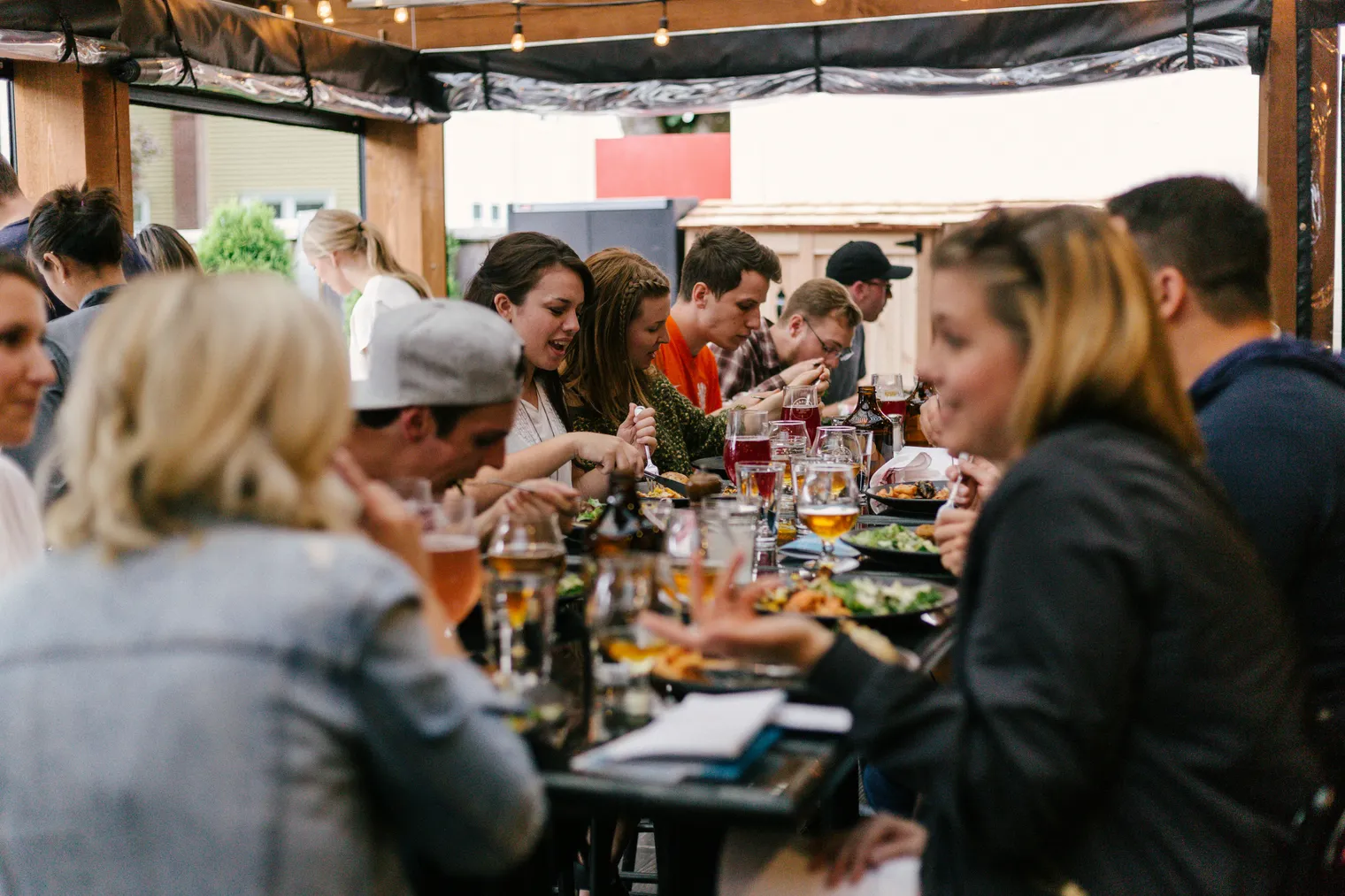
Eat In is the fulfilment type most likely to be judged in the first thirty seconds — a table that has to flag down a member of staff before they've even opened the menu already feels slower than one that didn't. Here's the sequence Eat In is built around, covered from the Features page in less detail than here.
The actual sequence
- Sit down, scan a code. No app to download — the code opens the ordering site in whatever browser is already on the phone, with the table already identified.
- Order from the phone. The full menu, the same one used for pickup and delivery, with the table number carried automatically through to the kitchen.
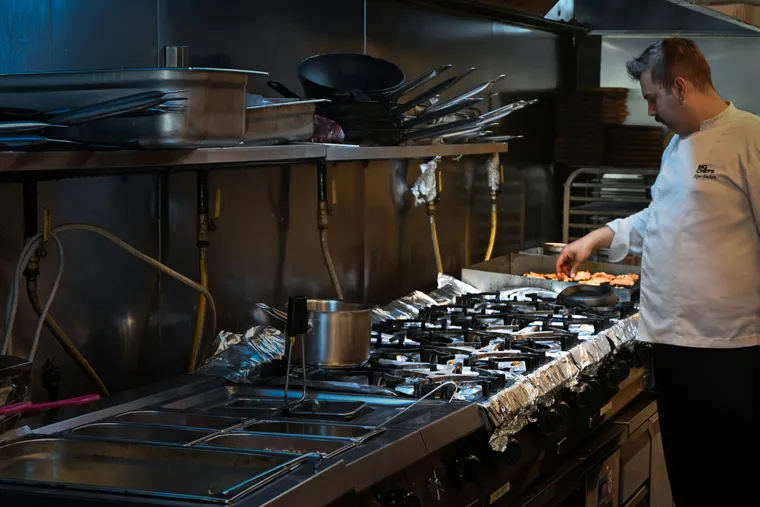
- The ticket lands on the kitchen display tagged with the table number, exactly as covered in a day using the kitchen display system — no separate workflow for eat-in tickets versus anything else.
- Order more, any time. A second round doesn't need flagging anyone down — it's a new order against the same table, arriving as its own ticket rather than merging confusingly into the first.
What the table never has to do
Wave for a menu, wait for a card machine to be free, or explain which round is theirs when a ticket says "table 7" and there are two tickets for table 7 already on the pass. The system carries that context so nobody has to repeat it out loud.
Where the paper trail starts
Table ordering itself starts with a physical code somewhere a customer can scan — usually printed and left on the table. We cover exactly how to set that part up in printable table QR codes: going live with Eat In in an afternoon.
Eat In is part of the one plan — no setup fee, no contract. Nomvo is £69 a month, or £54 a month equivalent billed annually — no commission on any order.