Turning on Eat In is a Settings toggle. Getting a working code onto every physical table is the part that actually takes some care — not because it's complicated, but because a code pointing at the wrong table number is worse than no code at all.
What a table code actually encodes
Each table gets its own code, generated from the table list in Settings → Eat In, and each one resolves straight to that table's ordering session — a customer scanning table 4's code never has to type a table number in themselves, and there's no way to accidentally order onto the wrong table by scanning correctly.
Printing them
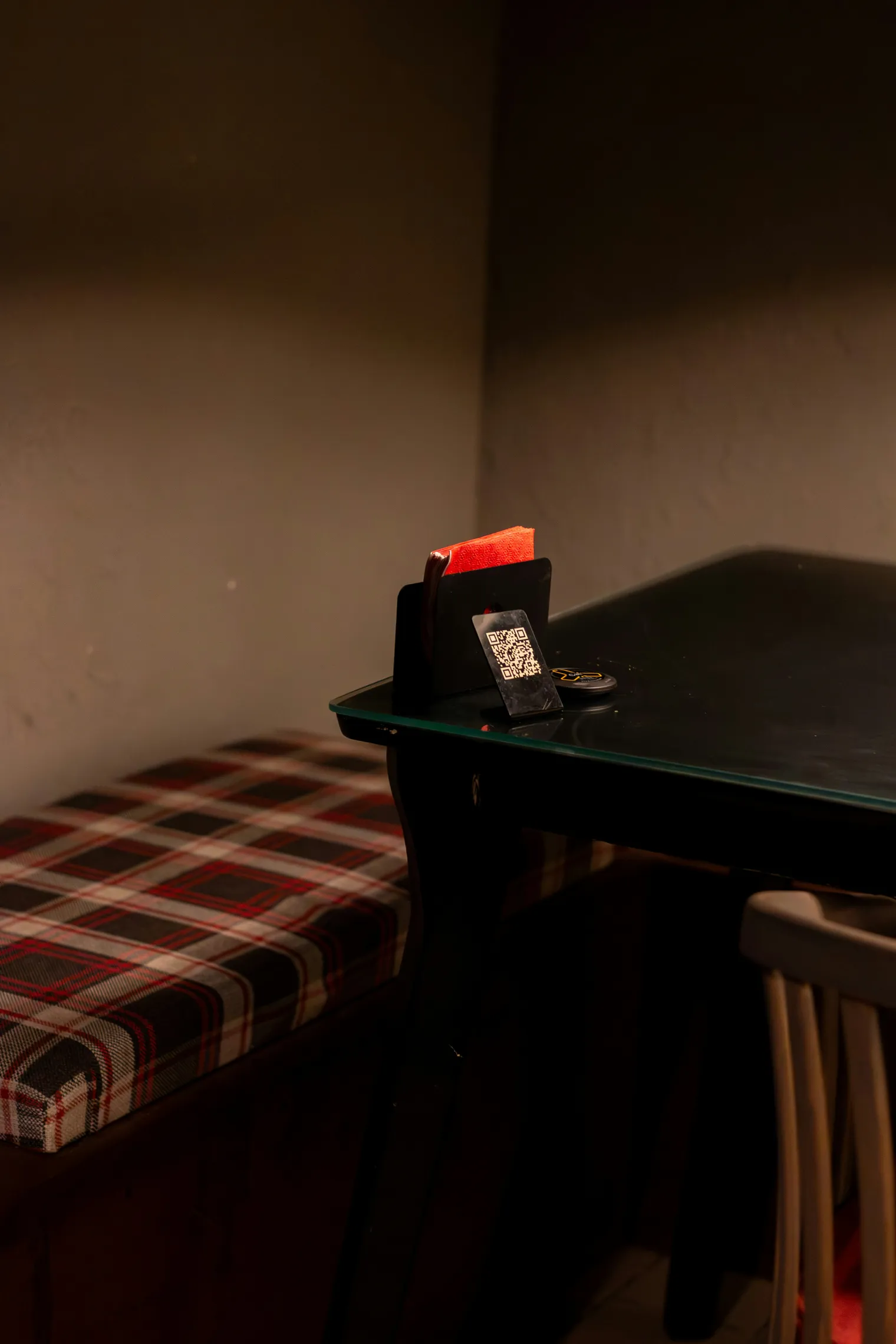
Codes are generated print-ready directly from the admin — no separate QR generator, no risk of a third-party tool's code silently expiring or repointing later. Print, cut, and place one per table; a laminate or table-stand holder makes them survive a service.
The afternoon, honestly
The setup itself — turning on Eat In, adding your tables, generating the codes — is a ten-minute job. The afternoon is printing, cutting to size, and physically distributing one per table without mixing up numbers 4 and 14. Do that part carefully once and it doesn't need repeating unless the floor plan changes.
What happens after a customer scans
The full sequence, from scan to food arriving, is covered in what Eat In actually looks like for a customer.
No setup fee, no contract. Eat In is part of the one plan — Nomvo is £69 a month, or £54 a month equivalent billed annually — no commission on any order.