Every part of service, in one place.
Ordering, menu, kitchen, EPOS, front of house, delivery, payments, reporting and branding.
Every capability, on one page.
Every restaurant on Nomvo gets all of it, from the first order.
Online ordering
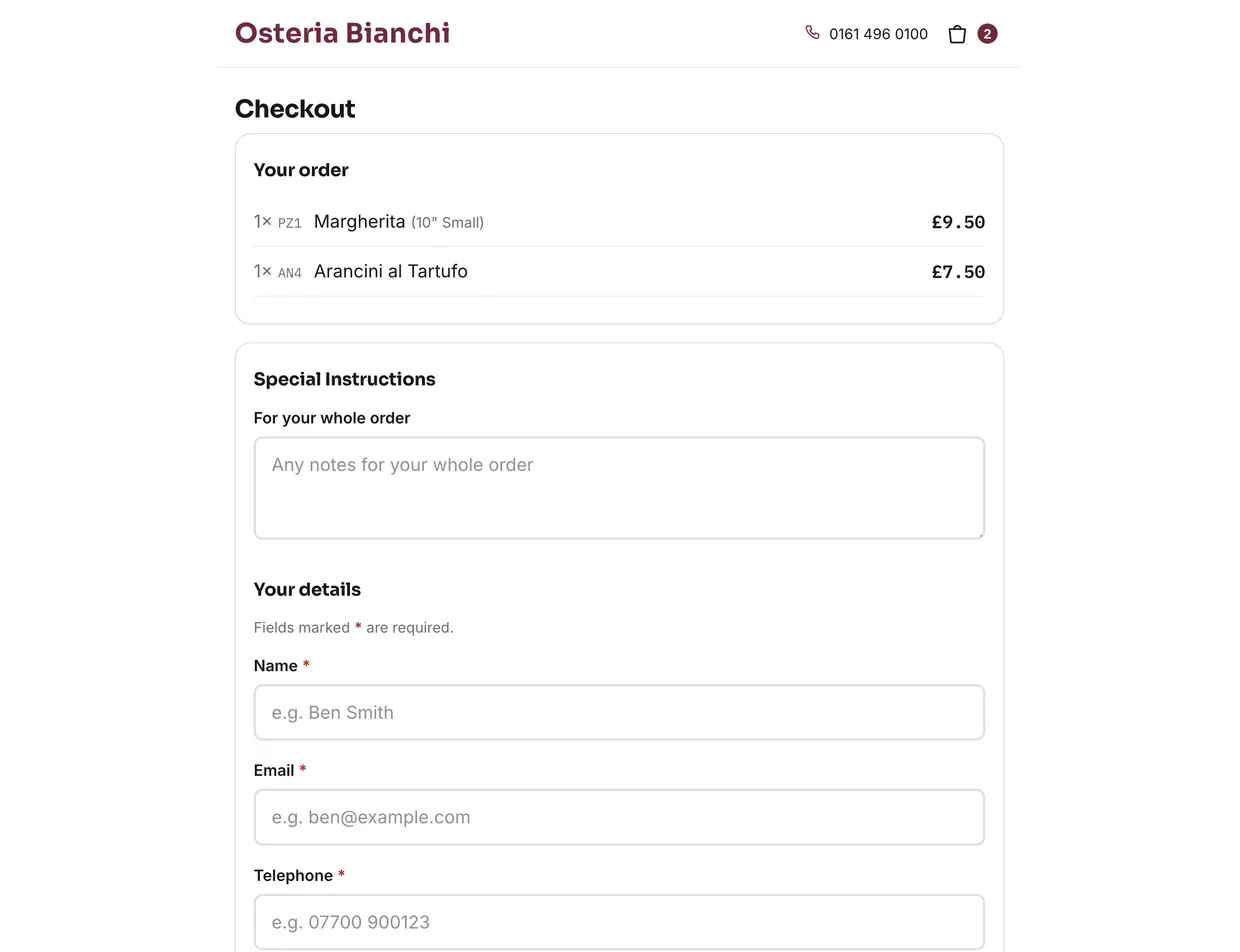
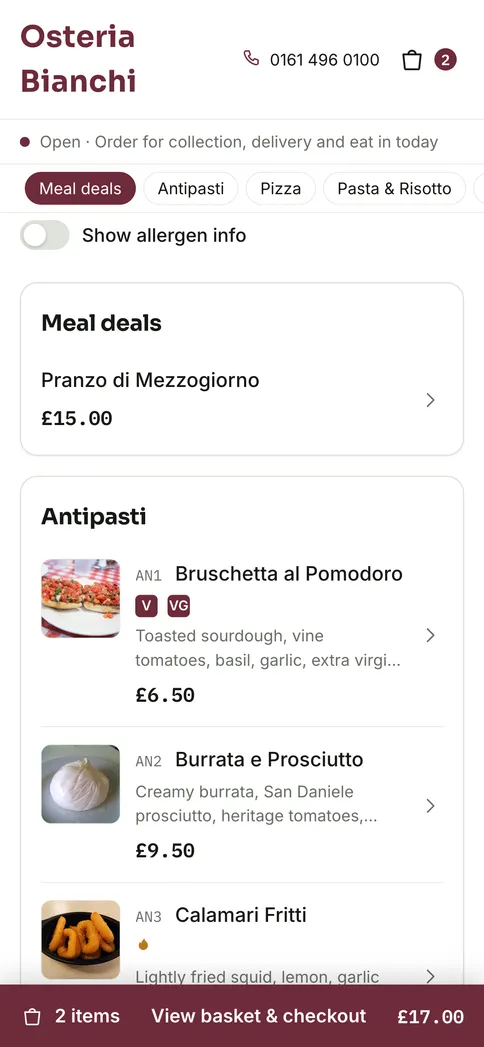
01 · the customer-facing storefrontPickup, delivery and eat in — all three, from one menu.
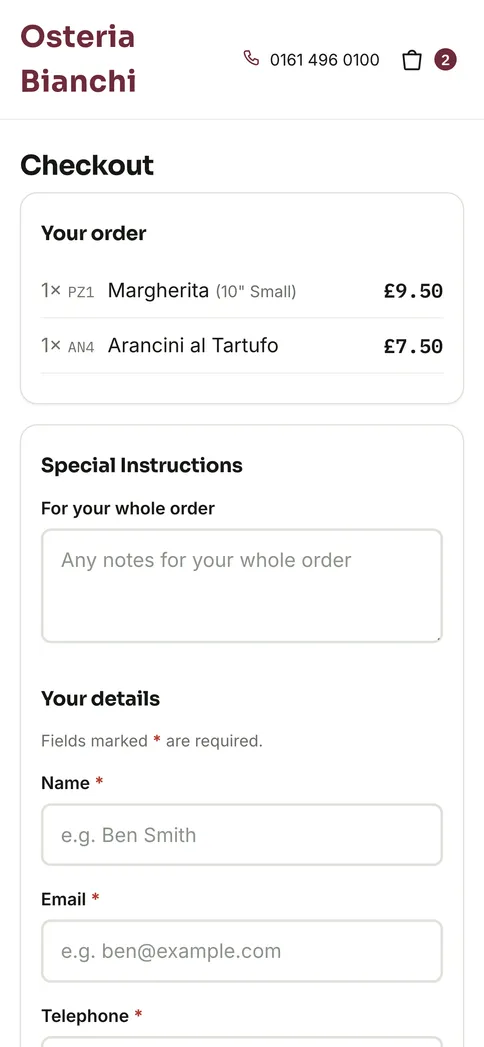
You choose which fulfilment types you offer; the customer picks per order. There is no separate delivery system to keep in step with an in-house one.
A single ordering system that covers takeaway, delivery and eat in. Most tools force you into one lane.
Menu
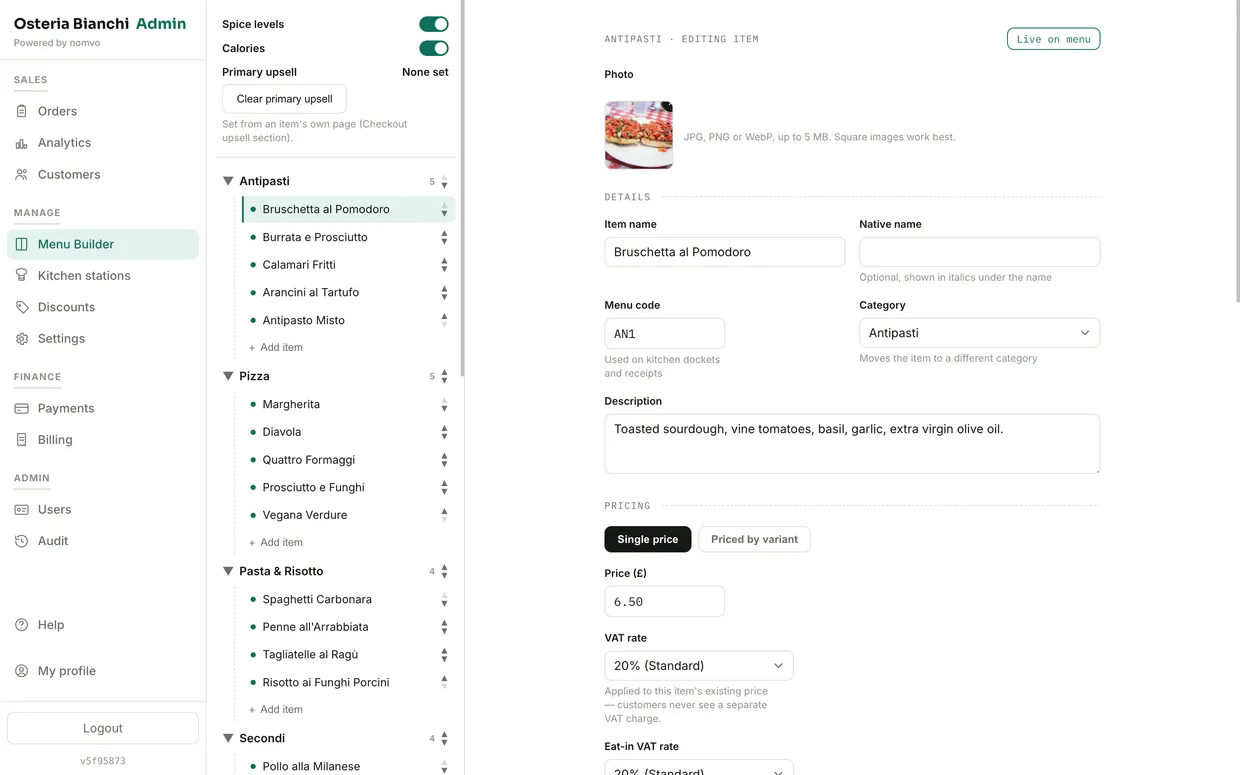
02 · depth that matches a real menuBuilt for menus that don't fit a template.
Set the awkward combinations up once and they price correctly every time — including the ones staff currently fix in their heads.
Kitchen display
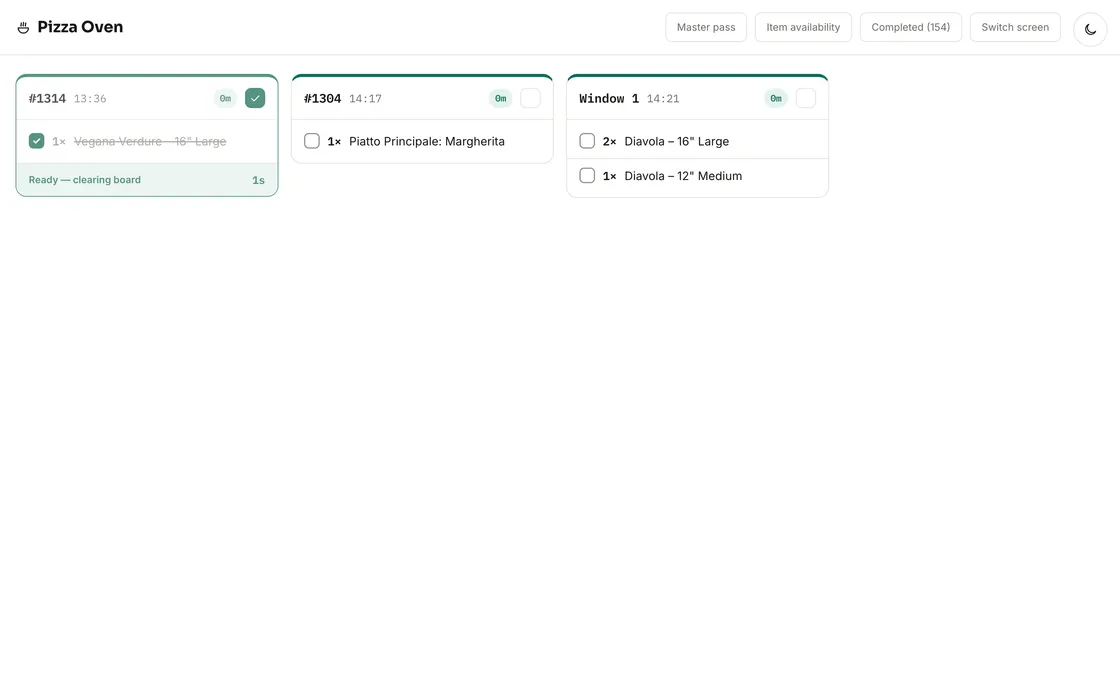
03 · boards built for serviceCourse firing, held items, and no shouting across the pass.
Stations see only what they cook. Orders auto-fire, go course by course on a button press, or hold individual items back until you release them.
Built by watching real kitchens under pressure. Course firing and held items aren't a generic ticket list — they match how kitchens call food.
Or run it on paper
Guided printer setup is built in, with an automatic print queue. Plenty of kitchens run on tickets alone — screens can come later without changing anything else.
Live availability
A dedicated page for the kitchen to mark items and variants sold out mid-service, reflected on the customer menu immediately.
EPOS and front of house
04 · till, table service and pay-at-tableBuild a table's order at the pace the table talks.
A live table-plan view, course-by-course order building, and batch save — so the server isn't waiting on the app between every line.
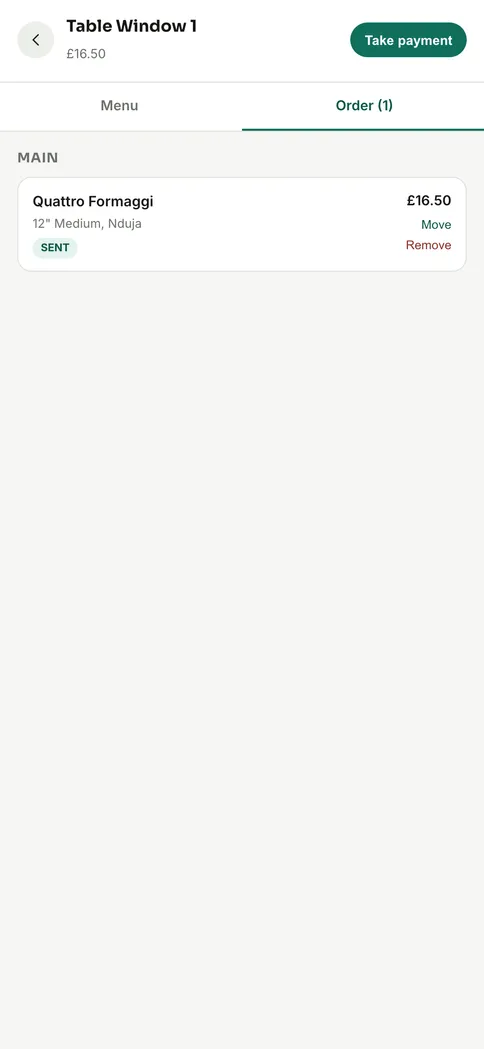
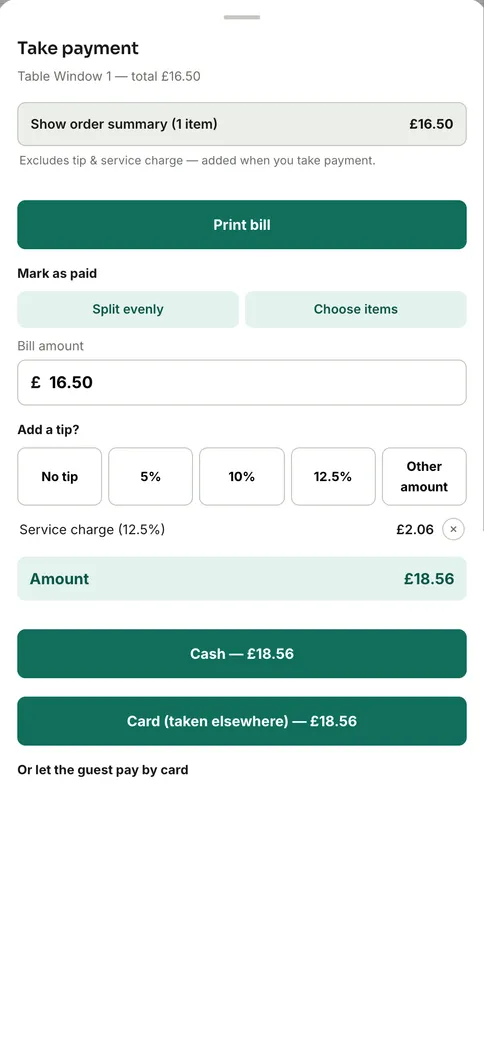
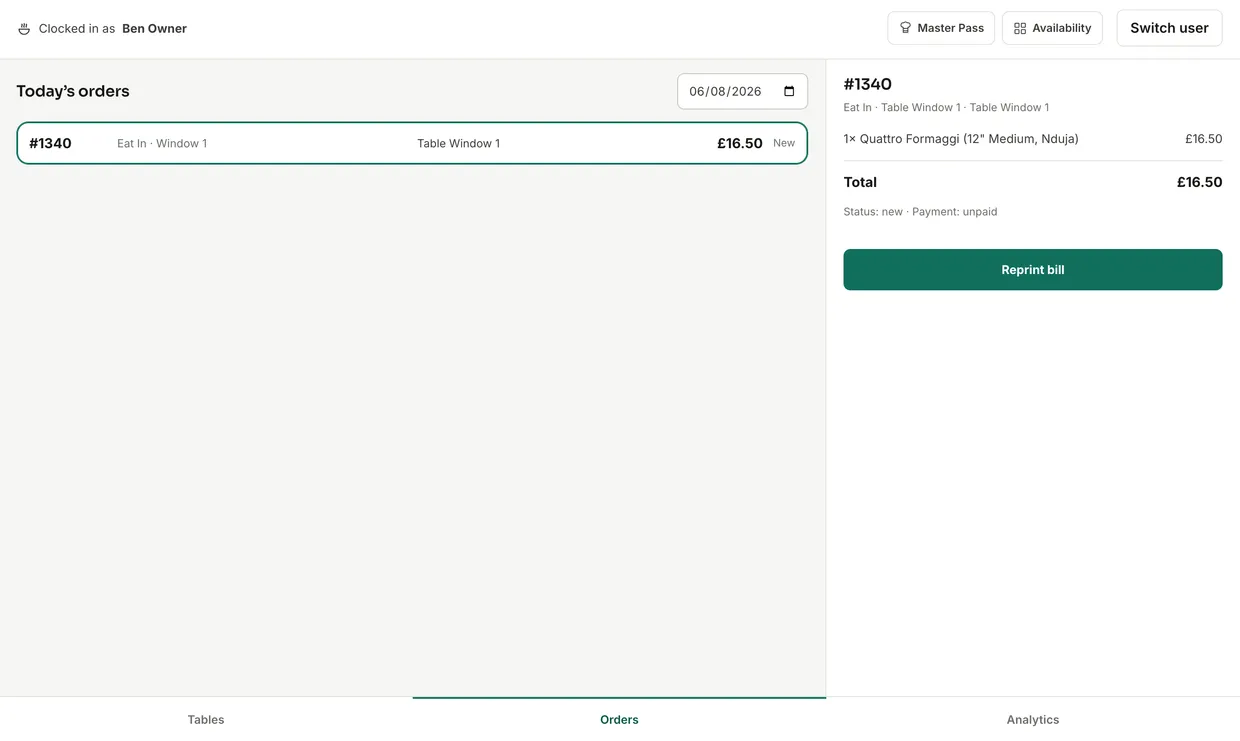
Everything a physical till does, on a tablet.
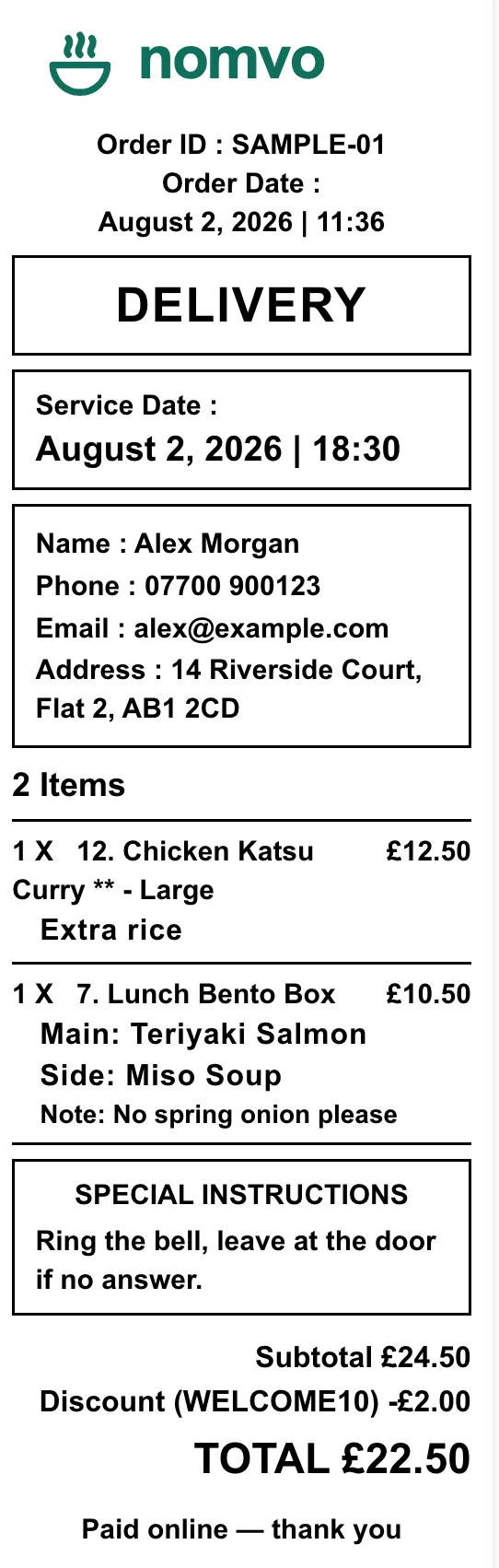
A full EPOS: browse the menu, build orders, take cash or card, reprint receipts and pull up order history — on the same system as the ordering site and the kitchen boards.
One system runs the till, the servers' tablets and guest self-pay. No separate EPOS vendor.
Guests scan, split, and pay from their own phone.
A QR code on the printed bill. Split evenly, by item, or by a custom amount — each guest choosing their own tip and service charge.
Delivery and drivers
05 · your own fleetYour drivers, your radius, your fee.
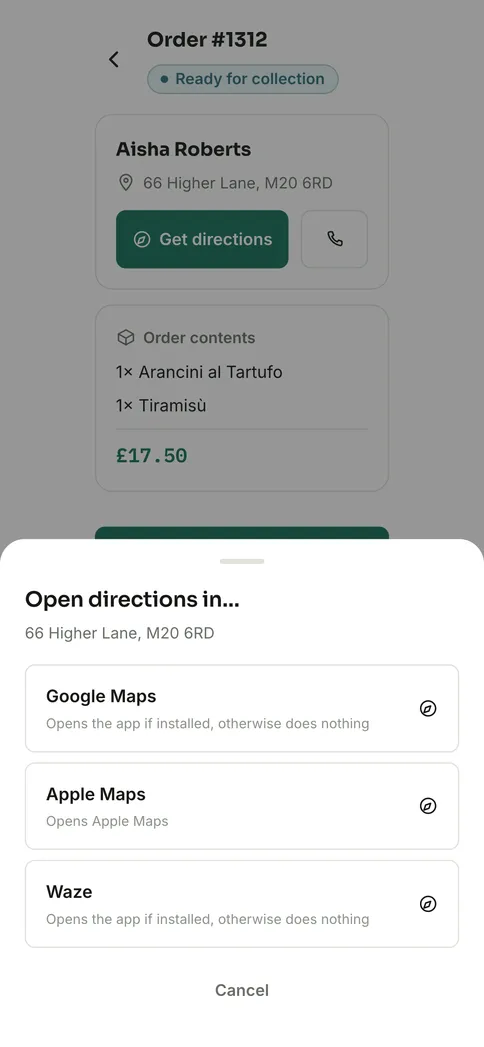
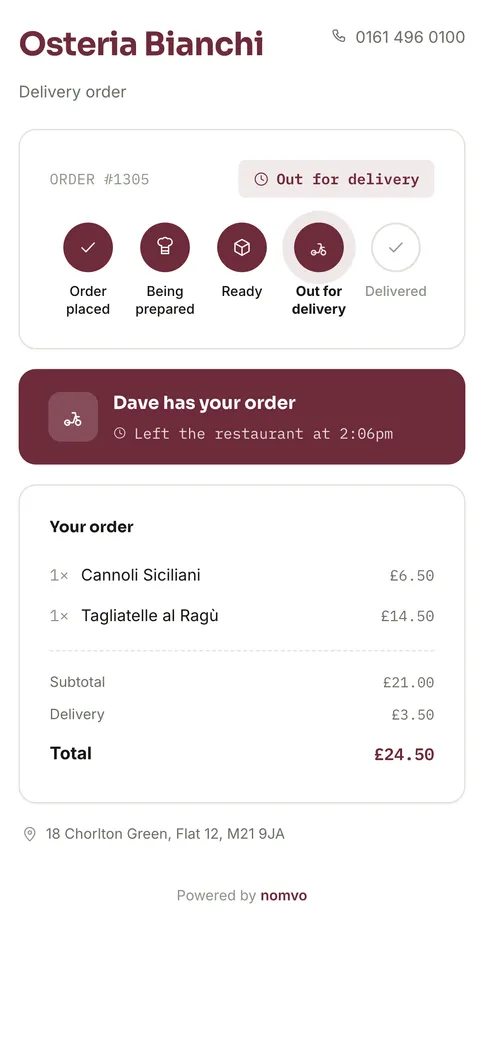
A driver claims a delivery, marks it out, marks it delivered and captures photo proof — in the browser on the phone they already carry.
No third-party delivery platform fees. You run your own fleet, for the price you already pay Nomvo.
Payments
06 · direct to your accountNomvo is never in the money flow.
Each restaurant gets its own Stripe Connect account. Card payments go straight to you — we don't hold funds, and we don't take a cut of a sale.
Payments that go directly to the restaurant's own account. Card fees are Stripe's own published rate — we add nothing to them.
Admin and reporting
07 · an actual back officeNot just an order list.
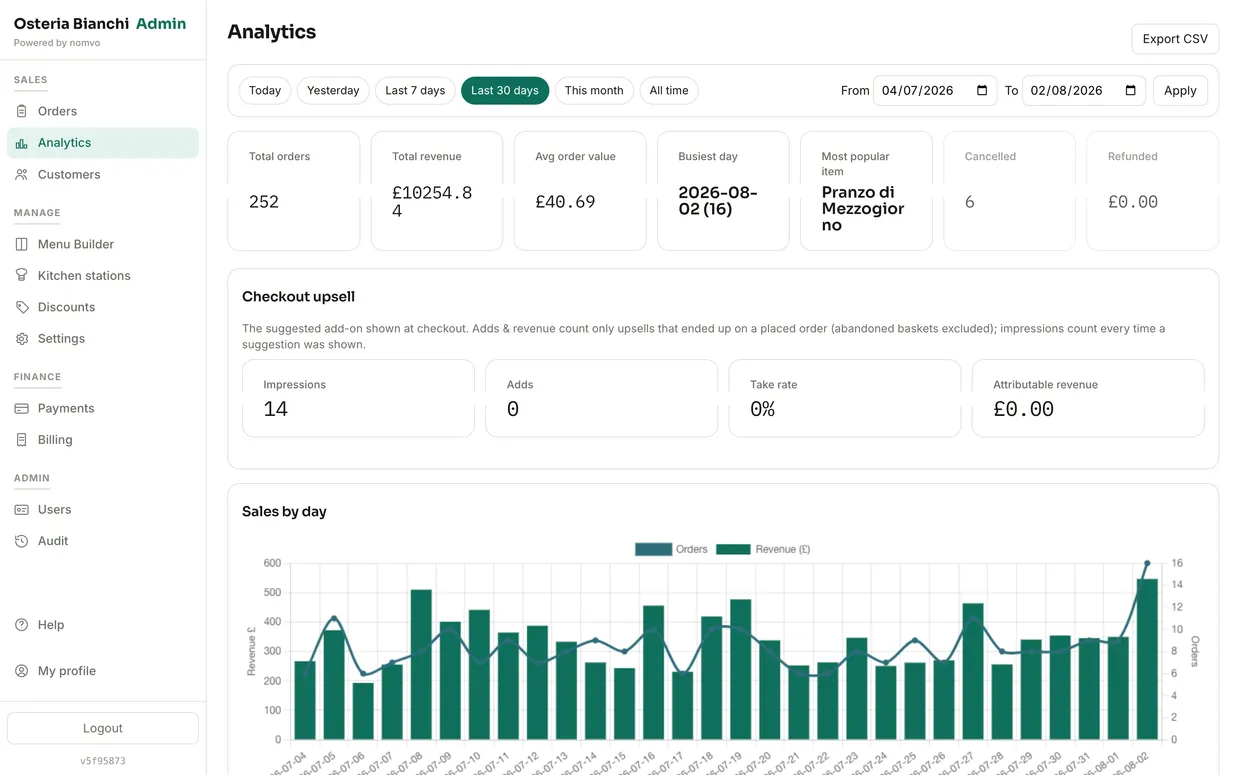
Live revenue and order volume, a customer database built from real order history, and every record exportable whenever you want it.
Six roles, each seeing only what the job needs
Staff invites and self-service password resets mean no admin bottleneck to add someone new. Only the Owner can touch billing.
Everything, including billing and cancellation.
Menu, discounts, settings and reporting.
Take, progress and refund orders; run the till.
Station boards, pass view and availability.
Deliveries only, from their own phone.
A device account for the ticket printer.
Branding
08 · your name above the doorYour site, not a template with your logo in the corner.
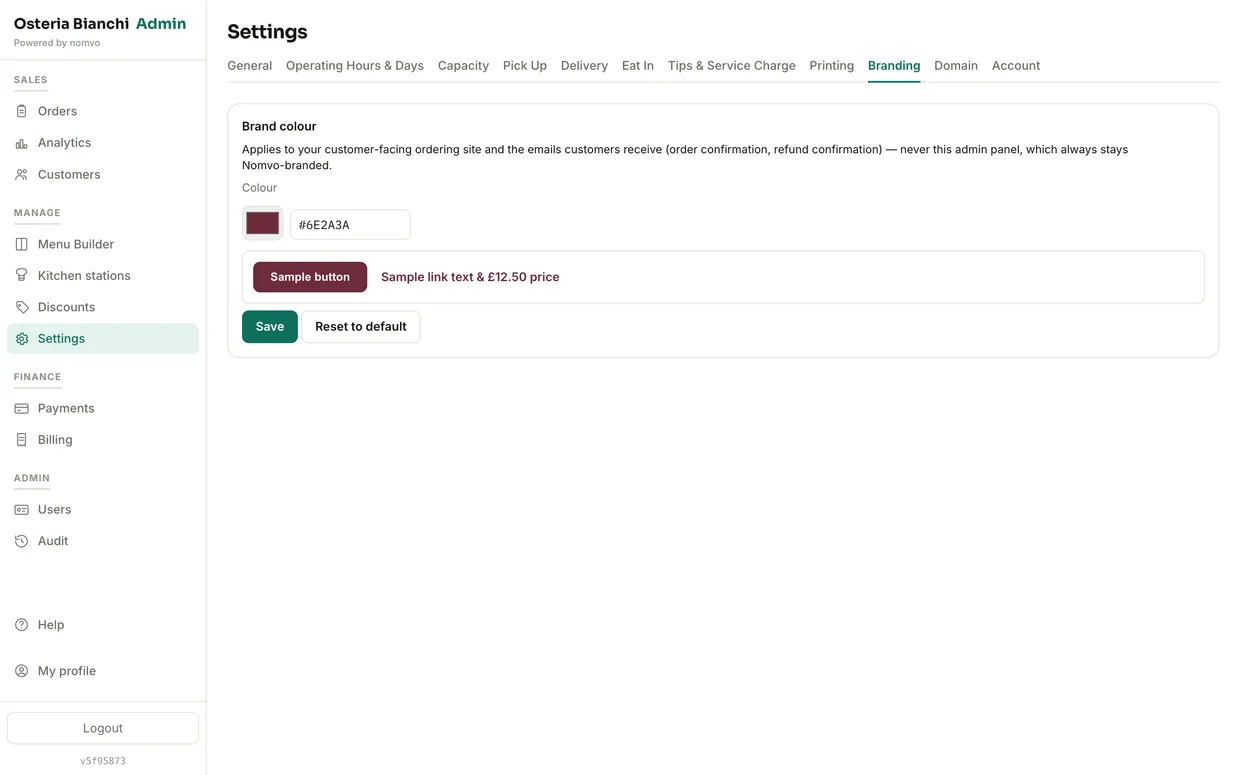
Upload a logo, set a brand colour, and it carries through the storefront, the receipts and the transactional emails.
How you sign up and pay
09 · one flat planSelf-serve signup
Business details, plan choice, account creation — and the site is live in minutes, with no salesperson in the way.
30-day free trial, no card
Try the whole platform on your own menu, taking real orders, before paying anything.
One flat plan
£69 a month, or £54 a month equivalent billed annually as one upfront payment of £648. No commission and no percentage of any sale.
Try it free for 30 days with no card, then pay one flat price. Never a cut of what you sell.
Support and onboarding
10 · get going without a training callIn-app help centre
Setup and day-to-day operation, covered without leaving the admin.
Interactive setup checklist
On first login, the exact steps to go live — menu, hours, delivery settings — with progress tracked as each one is genuinely completed.
Printing setup guide
A full walkthrough, downloadable as a PDF, for getting the kitchen printer working first time.
Take your first order this week.
Sign up → Build your menu → Set your opening times, capacity, and prep times → Connect your bank account → Take orders.